Cisco Certified Support Technician (CCST) Networking 100-150
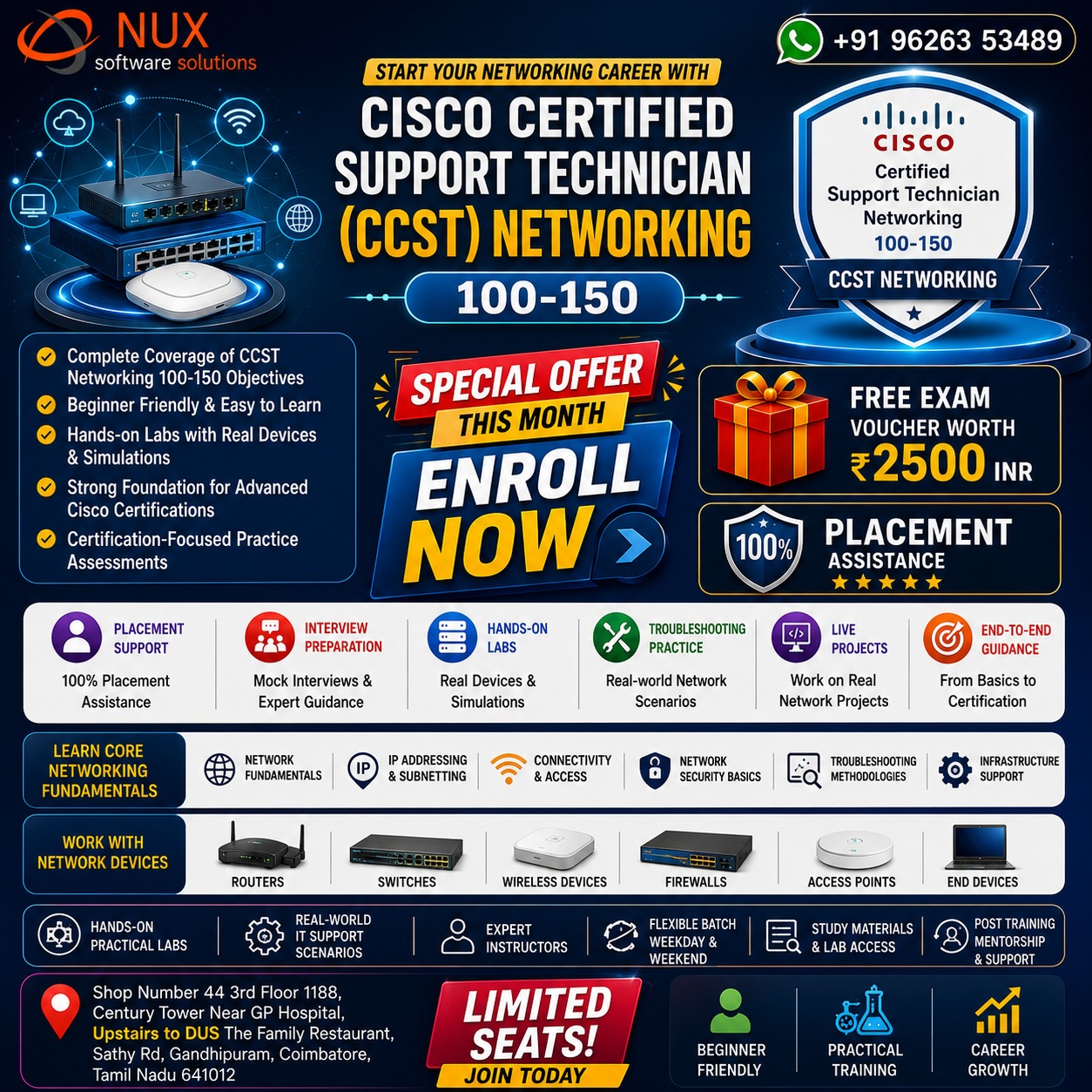
Course Overview

The Cisco Certified Support Technician (CCST) Networking (100-150) training and certification program is designed for beginners, aspiring IT professionals, help desk technicians, and entry-level network support specialists who want to build foundational networking knowledge and practical troubleshooting skills.

This certification validates your understanding of core networking concepts, network infrastructure, IP addressing, connectivity, security basics, and troubleshooting methodologies. The course provides a strong foundation for careers in IT support, networking, and infrastructure management.

Offered by Linux Training Center, Coimbatore, this course aligns with the official Cisco CCST Networking 100-150 objectives and provides hands-on practical training in network fundamentals, device configuration, troubleshooting, and support operations.


Who Should Enroll?

  • Beginners entering the IT industry
  • Help desk and technical support professionals
  • Students pursuing networking careers
  • IT support technicians wanting networking skills
  • Career changers entering IT infrastructure roles
  • Aspiring network administrators
  • Professionals preparing for Cisco certifications like CCNA

Why This Course Stands Out

  • Complete coverage of Cisco CCST Networking 100-150 objectives
  • Beginner-friendly training with practical networking labs
  • Hands-on experience with network devices and troubleshooting
  • Strong foundation for advanced networking certifications
  • Real-world IT support and networking scenarios
  • Certification-focused practice assessments
  • Industry-aligned curriculum for entry-level IT roles

Career Roles You Can Pursue

  • IT Support Technician
  • Network Support Technician
  • Help Desk Technician
  • Junior Network Administrator
  • Technical Support Specialist
  • Infrastructure Support Technician
  • Network Operations Associate
  • Entry-Level Network Engineer

Why Choose Linux Training Center, Coimbatore?

  • Expert instructors with networking industry experience
  • Hands-on labs with real networking devices and simulations
  • Flexible weekday and weekend batch schedules
  • Comprehensive study materials and lab access
  • Mock tests and certification-focused preparation
  • Career guidance and placement assistance
  • Post-training mentorship until certification completion

Start Your Networking Career

Begin your networking journey with Cisco CCST Networking (100-150) certification training. Gain practical expertise in networking fundamentals, connectivity, troubleshooting, and infrastructure support to build a strong foundation for IT and networking careers.
Modules

Standards and Concepts
  • Identify the fundamental conceptual building blocks of networks.
  • TCP/IP model, OSI model, frames and packets, addressing
  • Differentiate between bandwidth and throughput.
  • Latency, delay, speed test vs. Iperf
  • Differentiate between LAN, WAN, MAN, CAN, PAN, and WLAN.
  • Identify and illustrate common physical and logical network topologies.
  • Compare and contrast cloud and on-premises applications and services.
  • Public, private, hybrid, SaaS, PaaS, IaaS, remote work/hybrid work
  • Describe common network applications and protocols.
  • TCP vs. UDP (connection-oriented vs. connectionless), FTP, SFTP, TFTP, HTTP, HTTPS, DHCP, DNS, ICMP, NTP
  • Addressing and Subnet Formats
  • Compare and contrast private addresses and public addresses.
  • Address classes, NAT concepts
  • Identify IPv4 addresses and subnet formats.
  • Subnet concepts, Subnet Calculator, slash notation, and subnet mask; broadcast domain
  • Identify IPv6 addresses and prefix formats.
  • Types of addresses, prefix concepts
  • Endpoints and Media Types
  • Identify cables and connectors commonly used in local area networks.
  • Cable types: fiber, copper, twisted pair; Connector types: coax, RJ-45, RJ-11, fiber connector types
  • Differentiate between Wi-Fi, cellular, and wired network technologies.
  • Copper, including sources of interference; fiber; wireless, including 802.11 (unlicensed, 2.4GHz, 5GHz, 6GHz), cellular (licensed), sources of interference
  • Describe endpoint devices.
  • Internet of Things (IoT) devices, computers, mobile devices, IP Phone, printer, server
  • Demonstrate how to set up and check network connectivity on Windows, Linux, Mac OS, Android, and Apple iOS.
  • Networking utilities on Windows, Linux, Android, and Apple operating systems; how to run troubleshooting commands; wireless client settings (SSID, authentication, WPA mode)
  • Infrastructure
  • Identify the status lights on a Cisco device when given instruction by an engineer.
  • Link light color and status (blinking or solid)
  • Use a network diagram provided by an engineer to attach the appropriate cables.
  • Patch cables, switches and routers, small topologies, power, rack layout
  • Identify the various ports on network devices.
  • Console port, serial port, fiber port, Ethernet ports, SFPs, USB port, PoE
  • Explain basic routing concepts.
  • Default gateway, layer 2 vs. layer 3 switches, local network vs. remote network
  • Explain basic switching concepts.
  • MAC address tables, MAC address filtering, VLAN
  • Diagnosing Problems
  • Demonstrate effective troubleshooting methodologies and help desk best practices, including ticketing, documentation, and information gathering.
  • Policies and procedures, accurate and complete documentation, prioritization
  • Perform a packet capture with Wireshark and save it to a file.
  • Purpose of using a packet analyzer, saving and opening a .pcap file
  • Run basic diagnostic commands and interpret the results.
  • ping, ipconfig/ifconfig/ip, tracert/traceroute, nslookup; recognize how firewalls can influence the result
  • Differentiate between different ways to access and collect data about network devices.
  • Remote access (RDP, SSH, telnet), VPN, terminal emulators, Console, Network Management Systems, cloud-managed network (:contentReference[oaicite:0]{index=0}), scripts
  • Run basic show commands on a Cisco network device.
  • show run, show cdp neighbors, show ip interface brief, show ip route, show version, show inventory, show switch, show mac address-table, show interface, show interface x, show interface status; privilege levels; command help and auto-complete
  • Security
  • Describe how firewalls operate to filter traffic.
  • Firewalls (blocked ports and protocols); rules deny or permit access
  • Describe foundational security concepts.
  • Confidentiality, integrity, and availability (CIA); authentication, authorization, and accounting (AAA); Multifactor Authentication (MFA); encryption, certificates, and password complexity; identity stores/databases (Active Directory); threats and vulnerabilities; spam, phishing, malware, and denial of service
  • Configure basic wireless security on a home router (WPAx).
  • WPA, WPA2, WPA3; choosing between Personal and Enterprise; wireless security concepts